
Why a Self Hosting Server
A guide to self hosting services on budget

Cheap solution
This is the easiest way to do it, I used my old laptop after moving it to Debian from windows made it so much faster, I did not expect it to survive after the keyboard is not working properly.
RSS is the king
I didn’t want any social media on my phone as much as possible. Although I wasn’t part of the Google reader era. I liked the Flipboard app which wasn’t RSS I think but subscribing to things I only wanted rather than recommendations that would keep me glued to the screen. That got me into researching into FreshRSS. The demo itself was fantastic and I liked how it was. But self-hosting it would be huge thing. I needed a domain yada-yada.

A way to host my portfolio
I wanted a portfolio, my piece of the internet. Being part of the community with the least amount of money i.e. a graduate student. I wanted something absolutely free. That got me into GitHub pages to start. The restrictions on github pages got me out of it, and the privacy element of giving it all away wasn’t sitting right with me.
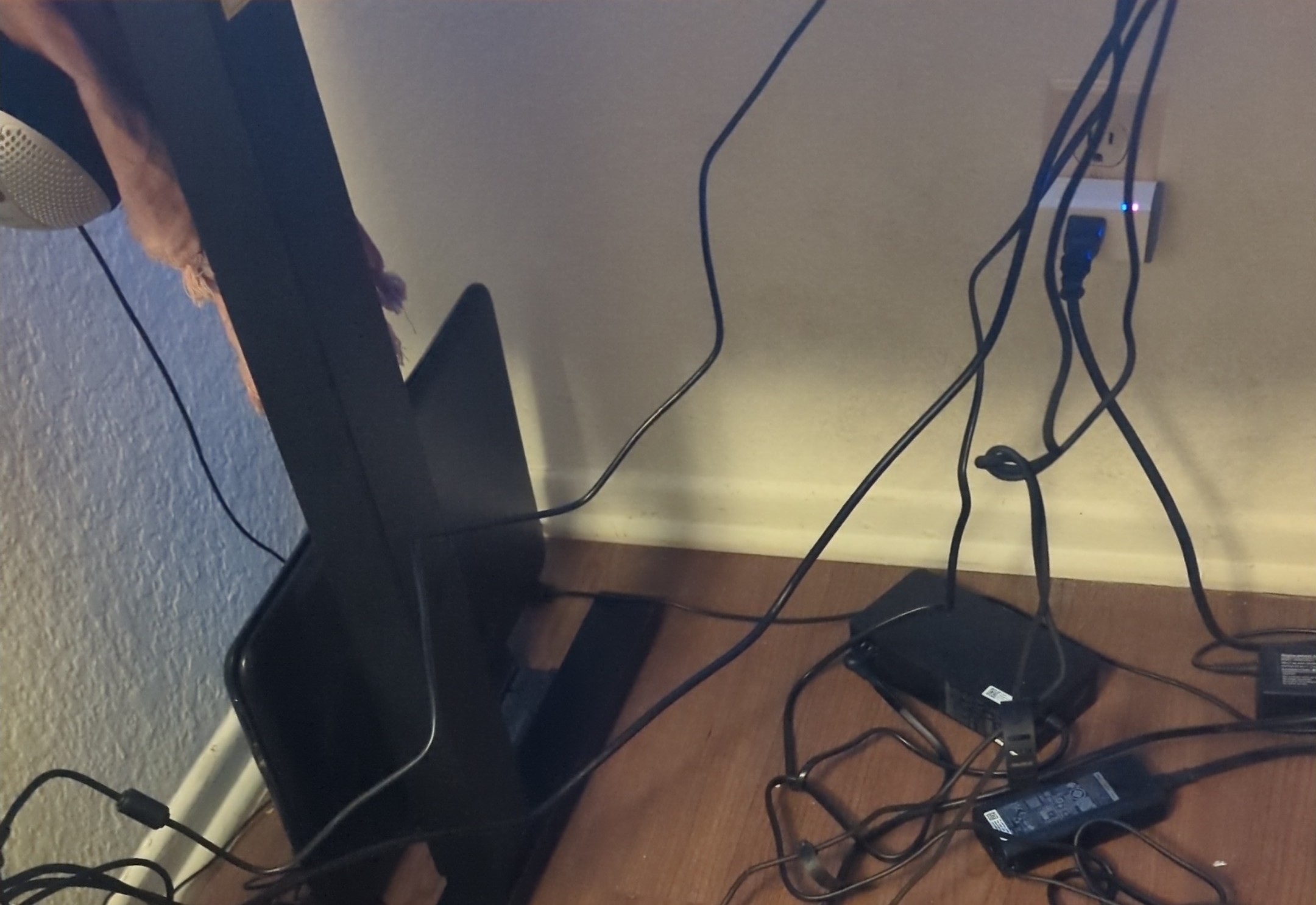
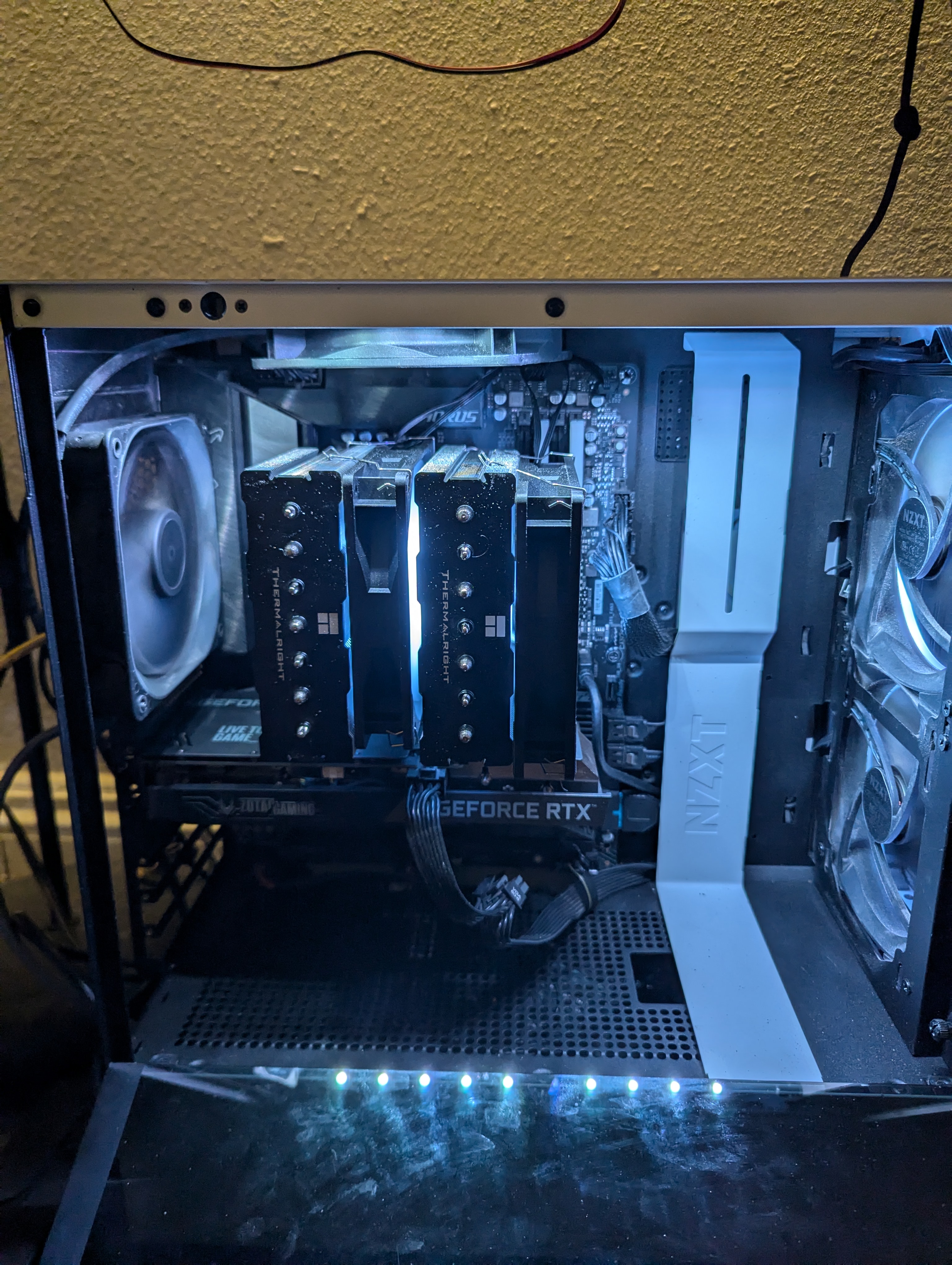
With my server needing a lot of power and needing a general PC for myself, I found a fairly modern gaming pc from a high school kid moving to college and got it for 600 bucks. It has as an AM5 decent board with 12 GB VRAM. Sufficient and6 cores good enough for me, Threadripper would have been nicer but I couldn’t resist this offer.
What to install on the PC was a huge mystery, I needed a Windows machine for some games and a little stability but also Linux to work and enjoy the ease. After a lot of search, landed on Proxmox, to easily migrate services if I got a better server. Having a windows vm was also nice. I already had a SSD with windows and plenty of games, plugged it right in and used it to create the VM with no other configurations needed which was nice.
For my data backups and how I used ZFS, look into this (shucking Seagate for ZFS).
This is still in making, I will talk about Proxmox pretty soon.