
Shucking for ZFS in proxmox
Drives shucking them and utilizing them for zfs and archival
Why not SSD ?
SSDs are coming down in price but still not at the level to get something with 20+ TB in my budget yet. I wish they would.
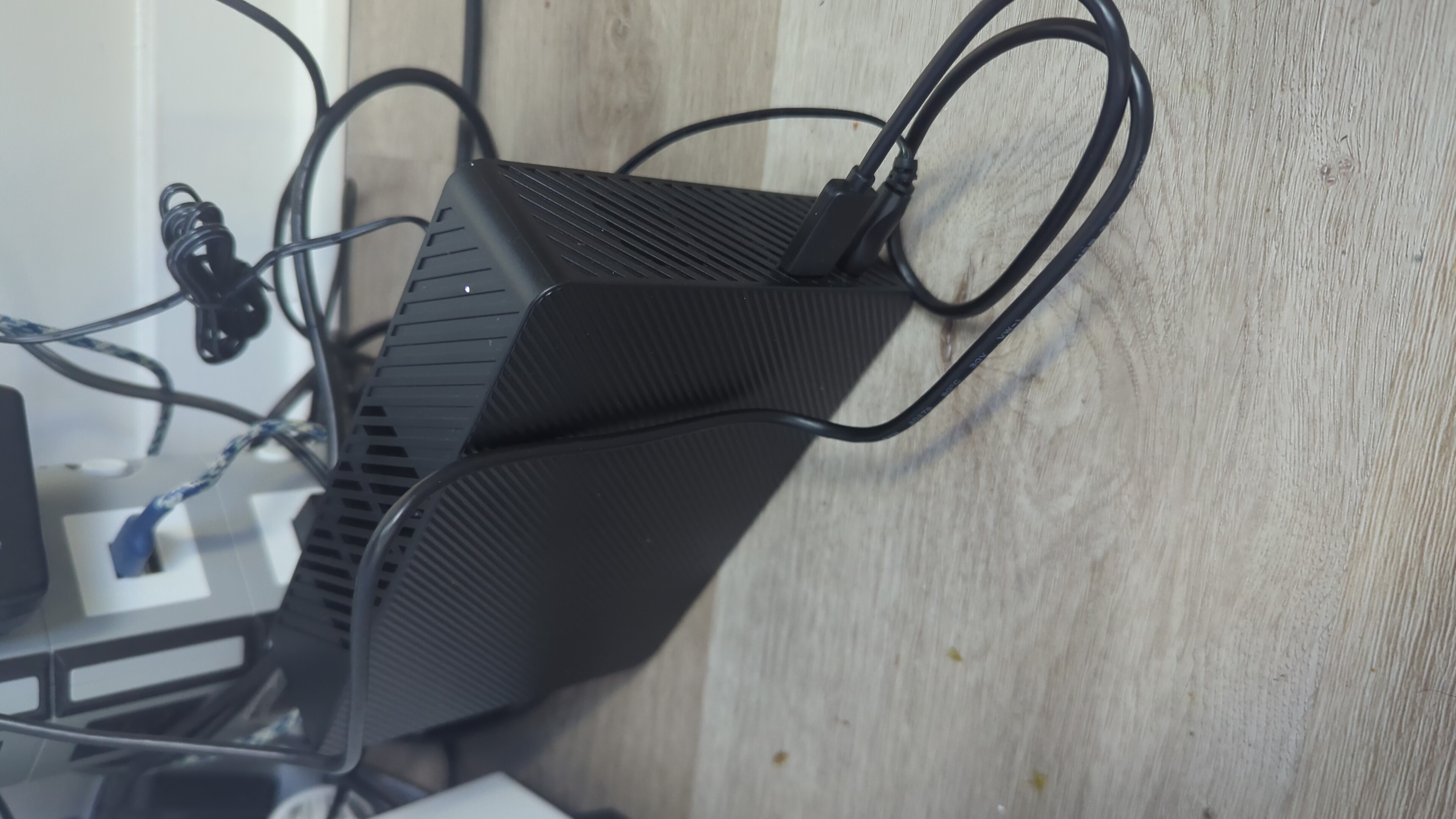
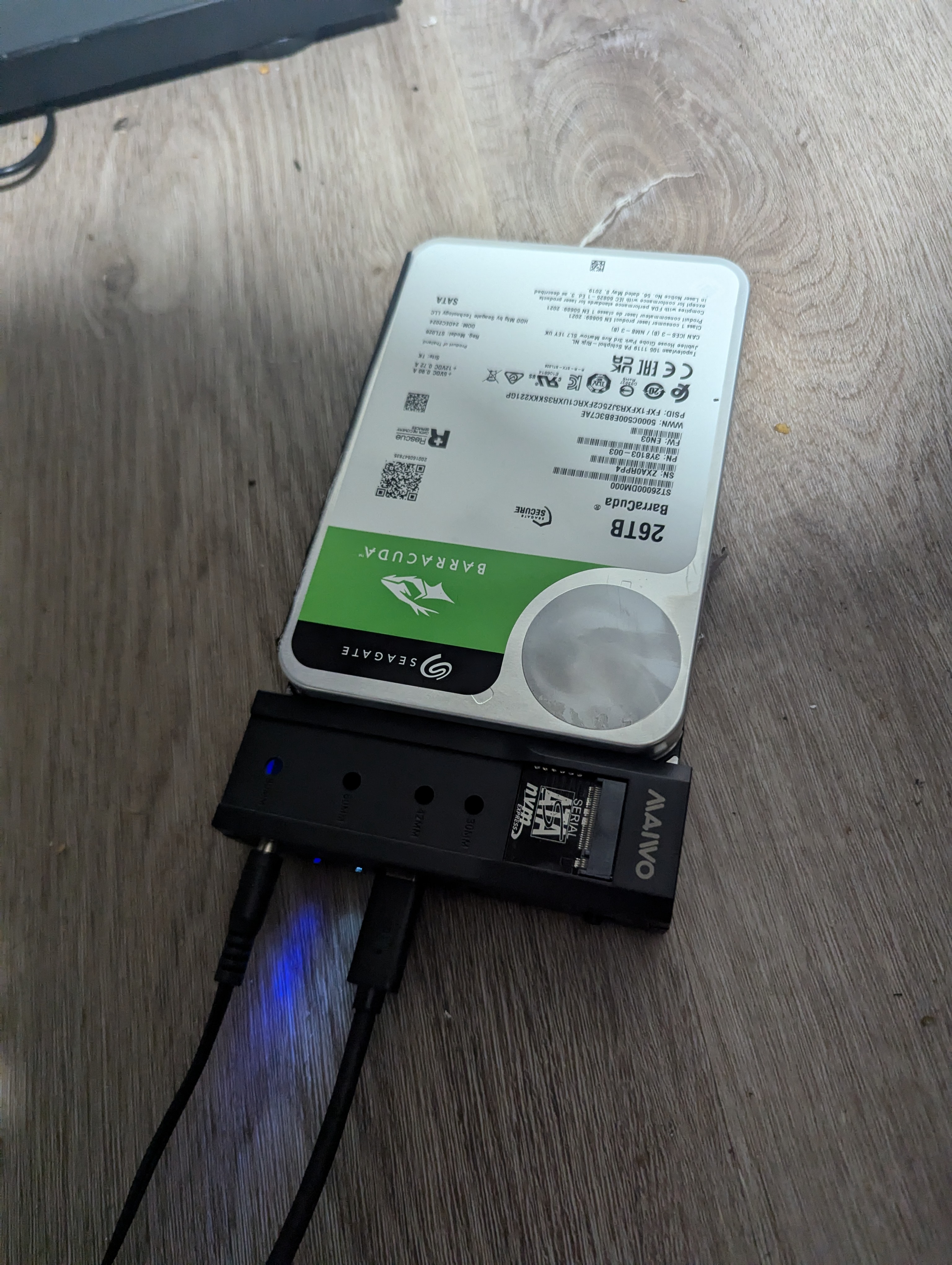
I always like to compare cost per TB of memory and see If I can make do. Used hard drives are a good option but with current prices of Seagate external drives coming down to $10/TB it was no-brainer to just shuck it and then connect to my server. I found a 26 TB one for $250 which was great. So I promptly shucked it and connected it to the power supply and the SATA cable.
File system to expand
I wanted something I can grow without backing it up all again, I wish to keep hoarding more data drives so having a flexible file format that I can connect and easily expand on rather than copy all of it over was the requirement. ZFS was extensively available and supported well in Proxmox which was the easier choice to go to.
The inner workings of ZFS are not that known to me, nothing a YouTube video can’t explain. But I wanted to select a data format that support this as well. So upon more digging, I found datasets to be flexible and utilized it.
Dataset
I needed to do a lot of research on ZFS, this article here gave me
SSD as a cache to HDD
I had 1 TB SSD that was my previous data storage and backup, since I got the new one, I wanted to use it as a cache for the big boy. It was extremely easy to add it as a cache, and it worked tirelessly to stream my Jellyfin media and Immich libraries.
~# zpool status

  pool: seagate-media
 state: ONLINE
status: Some supported and requested features are not enabled on the pool.
        The pool can still be used, but some features are unavailable.
action: Enable all features using 'zpool upgrade'. Once this is done,
        the pool may no longer be accessible by software that does not support
        the features. See zpool-features(7) for details.
  scan: scrub repaired 0B in 00:40:50 with 0 errors on Sun Oct 12 01:04:51 2025
config:

    NAME                                  STATE     READ WRITE CKSUM
    seagate-media                         ONLINE       0     0     0
      ata-ST26000DM000-3Y8103_ZXA0RPP4    ONLINE       0     0     0
    cache
      ata-Inland_SSD_1TB_IBMC20110011843  ONLINE       0     0     0

errors: No known data errors
Arc memory limit
ZFS needs memory, I went into the config file to reduce it later on and add swap volume.